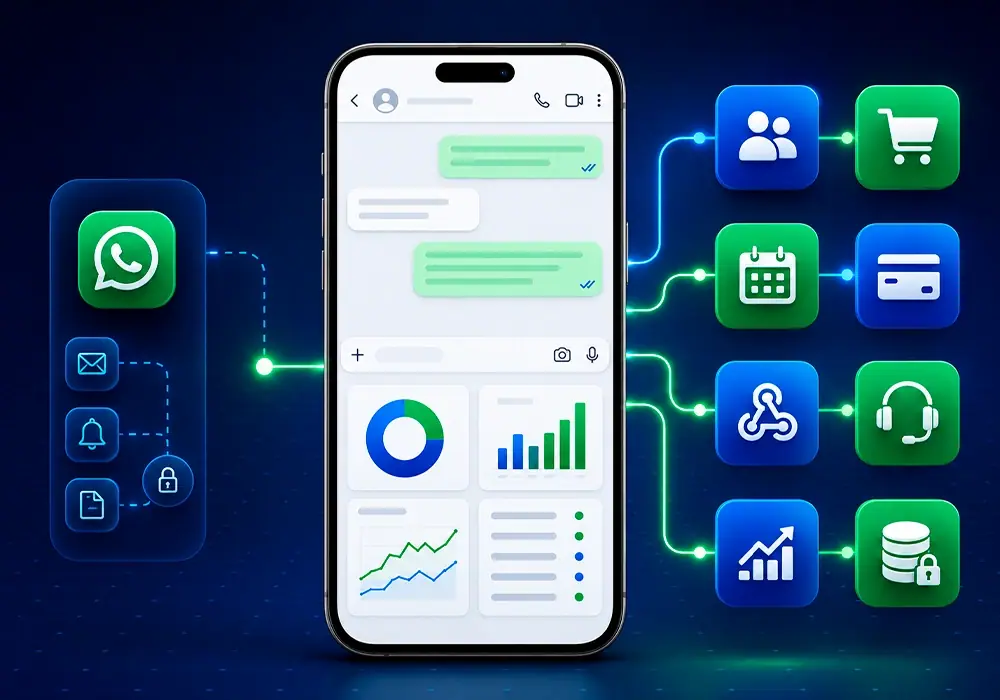
WhatsApp in isolation caps your growth. Integrations turn every message into actionable data inside the tools you already use—CRM, store, calendar, billing—so teams stop copying information by hand and customers get faster, accurate answers.
Native connections
whapi.chat connects to platforms teams rely on daily:
- Voice: Twilio for outbound calls from the panel
- E-commerce: Shopify, WooCommerce, and order-status workflows
- Scheduling: Google Calendar and booking confirmations
- Payments: Mercado Pago, PayPal, and automated confirmations in chat
Native connectors reduce setup time and keep field mapping consistent across environments.
Twilio: calls without leaving the panel
With Twilio connected, agents can call customers by voice directly from leads, with automatic recording and history in the timeline. That is rare in WhatsApp CRM tools—and it speeds up sales follow-up and support callbacks.
Other native add-ons help you:
- Confirm payments and orders on WhatsApp
- Send appointment reminders
- Sync store events with your inbox
Practical example: e-commerce
- Customer completes checkout on your store
- The whapi.chat native integration receives the order event
- WhatsApp sends order confirmation with tracking link
- If shipping delays, an automated flow updates the buyer
- Forty-eight hours after delivery, a satisfaction survey goes out
Each step runs without manual intervention; support only steps in on exceptions.
Security and compliance
Integrations use encrypted connections and revocable access tokens. whapi.chat aligns with Meta’s WhatsApp policies so contact data and messaging practices stay auditable—important for GDPR-minded teams and regulated industries.
Plan your integration map
Audit which systems already hold customer truth (CRM, ERP, helpdesk). Prioritize native connectors for those first—especially Twilio if phone follow-up is part of your sales motion—and automate WhatsApp touchpoints for payments, appointments, and shipping updates.
Choosing build vs buy
Custom development shines when you have unique ERP logic or proprietary data models. whapi.chat native connectors shine when you want go-live in days, not sprints. Start with the panel integrations your team will use every day: voice, payments, and store notifications.
Document each integration owner on your side—marketing, IT, or operations—so changes to field mapping do not break production flows silently.
Testing before production
Use test contacts and sandbox numbers to validate call flows, payment alerts, and message templates. Simulate failure cases: payment declined, shipment delayed, appointment canceled. Customers judge your brand on how you communicate bad news, not only confirmations.
Connecting your stack removes manual busywork and meets customers on the channel they already prefer. whapi.chat is the hub that links WhatsApp to the rest of your operation—without rebuilding your entire IT landscape.